
Below is a list of the best free and open-source subscription expense tracking software. We have listed tools that are completely free or open source. We have also included a few freemium options that you might want to consider, especially those that support integration with your bank or payment accounts.
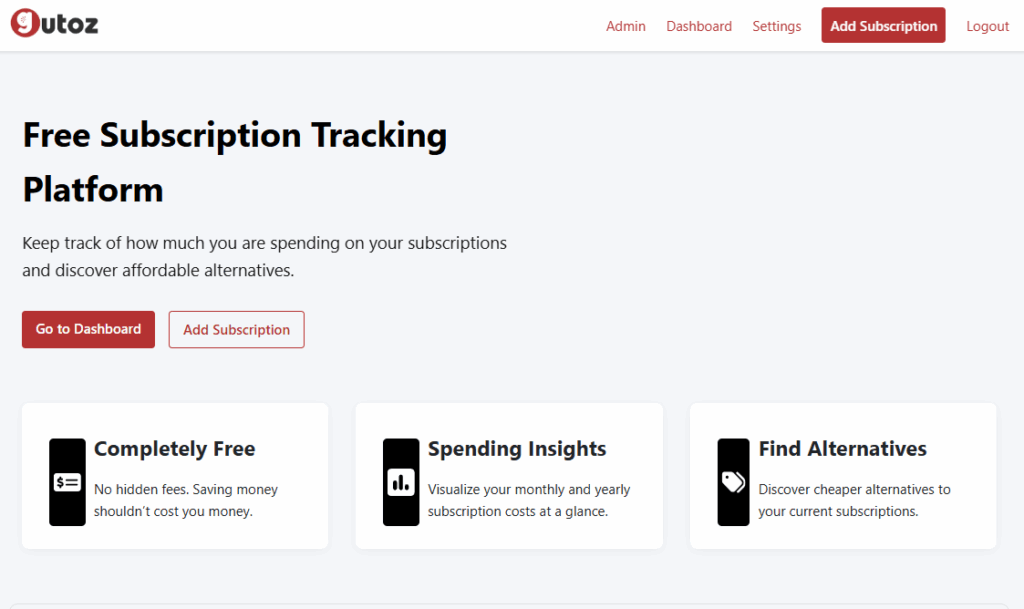
Gutoz is one of the best minimalist subscription expense tracking tools. You can add your subscriptions and view stats like upcoming monthly and yearly renewals totals. You can also add your income to see your savings. You can also view percentage spending by category. Some feature that you might find helpful is that you can sync your subscriptions with Google Calendar, Apple Calendar, and Outlook.
Website: Gutoz.com
NOTE: Gutoz has rebranded and is now a media monitoring platform for tech brands.
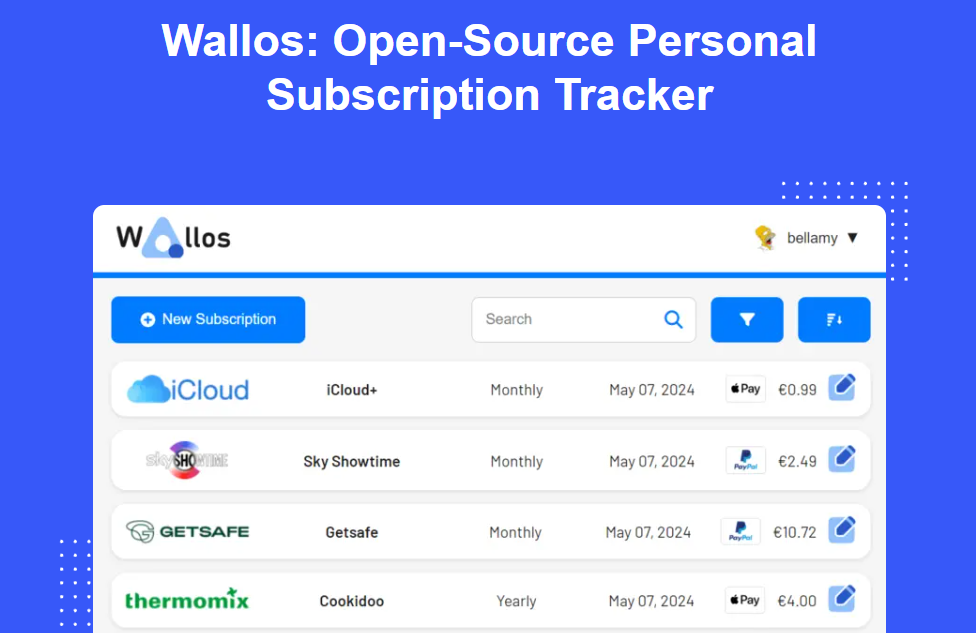
Wallos is open source and self-hosted PHP applicatiom. That means you’ll need to download and host it on your own server or web hosting. There is a demo account for trial at demo.wallosapp.com.
Its key features include multi-currency support, household expense splitting, and stats like most expensive subscription, monthly and yearly costs, budget remaining, and monthly savings.
Although installation is fairly simple if you have basic website management skills, keep in mind that with self-hosted apps, you are responsible for updates, security, bug fixes, and integrating third-party tools. For example: For currency conversion, you’ll need a real-time currency API. To get email reminders for upcoming payments, you will have to connect to a third-party email delivery provider or SMTP server.
Website: wallosapp.com
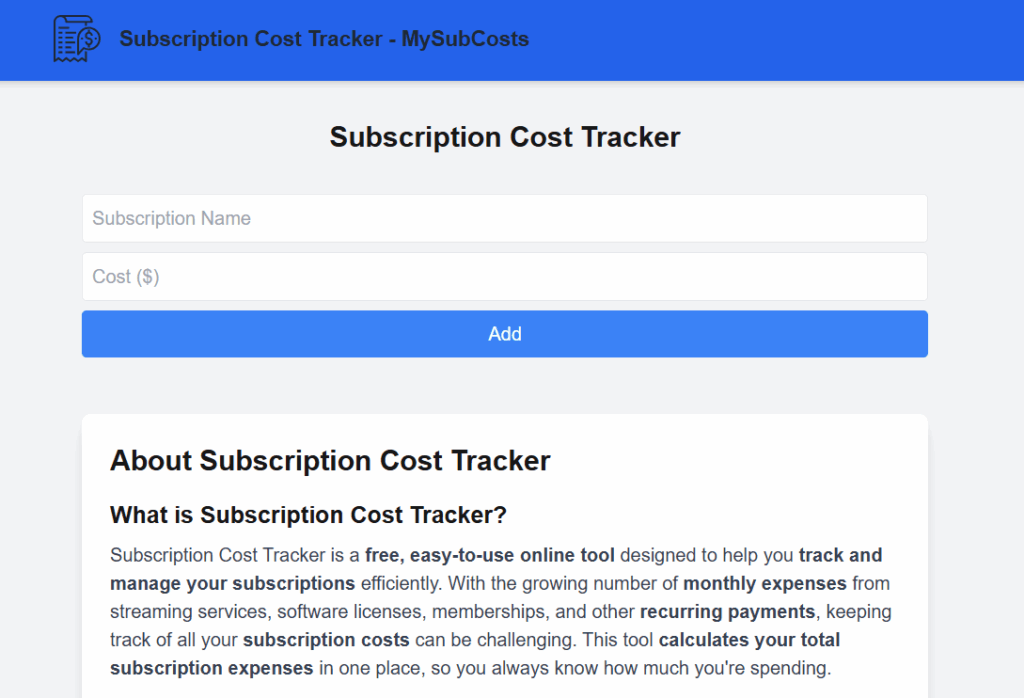
This is a browser-based subscription tracking tool. All your data is saved locally in your browser. If you clear your history or cookies, everything is lost. It is a trade-off between privacy and reliability.
It’s very basic, just shows your total subscriptions and spending.
Website: mysubcosts.com
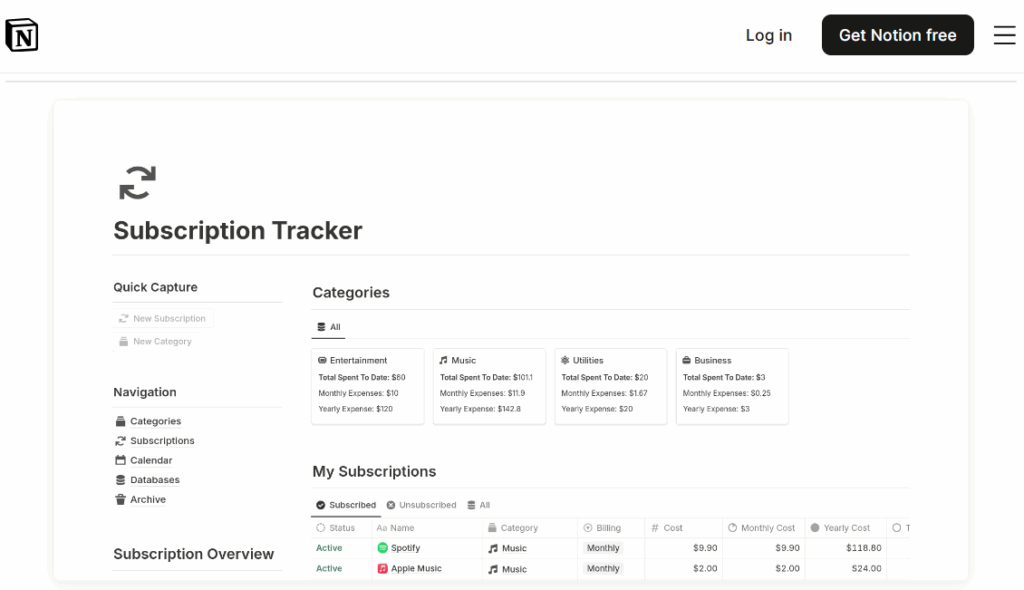
This isn’t a standalone tool but a collection of expense traching Notion templates. If you’ are a Notion user, you can search for templates to track your personal expenses. There are many minimalist options available. You can check a collection of Top 10 Free Notion Subscription Tracker Templates.🔗
Website: Notion.com/templates
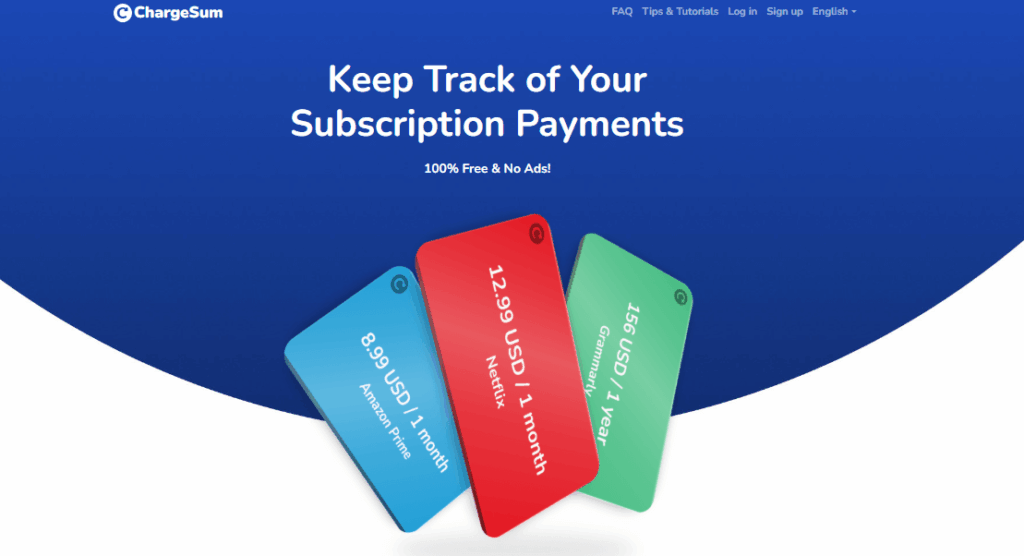
This is very basic. It shows only your subscriptions and the total renewal amount, no graphs or monthly stats. It is basically like tracking subscriptions in Excel. However, it does send you an email reminder 3 days before a renewal.
It supports 8 currencies. If you add subscriptions in different currencies, they will be converted to your default account currency for yearly totals.
Website: chargesum.com
SubZen allows unlimited subscriptions. You can track spending by category, see monthly spending trends, and view a calendar of upcoming renewals. There are no paid plan, it’s completely free.
Website: subzen.app
SubsManager limits you to 10 subscriptions. The registration page is buggy at times. It looks like an abandoned project.
Website: subsmanager.com
If you are looking for more advanced, feature-rich software to track your spending and organize your finances, here are some popular premium options to consider.
Know of any that we have not included in the list? Suggest via our contact.
Also read: Top 200 Media and Streaming Services by Number of Subscribers.